
White-label automation for your client workflow

Automation software for immigration and form-heavy workflows.

Fillvisa builds white-label client intake portals, document workflows, form automation, and internal tools for teams that handle repetitive paperwork, web portals, PDFs, and compliance-sensitive data under their own brand and custom domain.

White-label

Your logo, your language, your client experience.

Custom domain

Run intake on a domain or subdomain you control.

Operations

Less spreadsheet chasing and repeated data entry.

Delivered under your brand

White-label portal
Custom domain setup
Privacy-first workflows
Your Services

Our legal software development services.

Fillvisa helps immigration firms, visa agencies, consultants, and form-heavy legal teams turn intake, documents, PDFs, review, and portal work into software that runs under your brand.

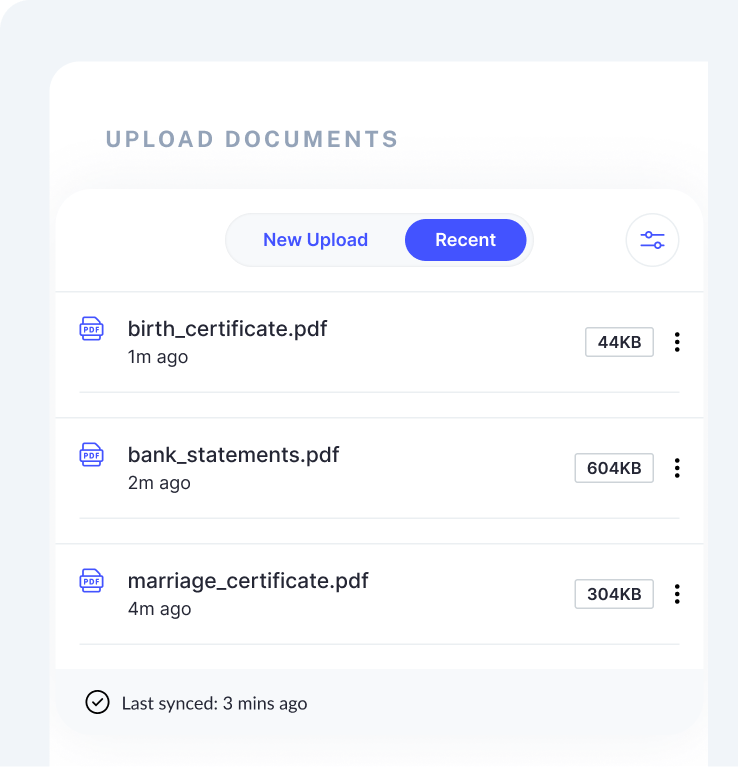
Document upload workflow
Client packet ready 12 documents checked
Portfolio

Custom legal solutions we deliver for form-heavy teams.

Start with one workflow, then expand into a connected system for intake, document collection, staff review, and final form output.

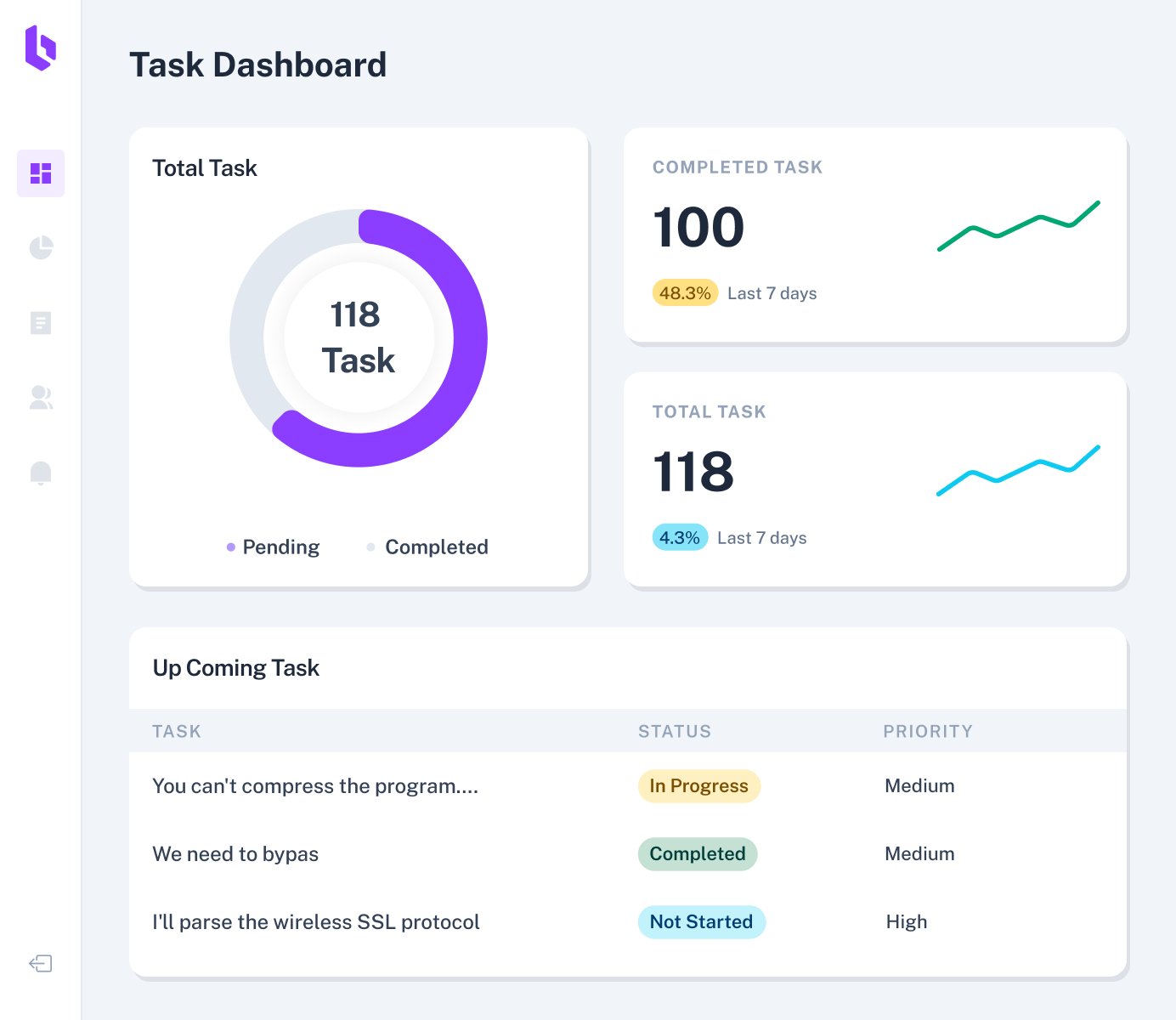
Client intake dashboard

Law firm intake software

Collect client, family, travel, employment, and document data through branded web flows that feel like part of your firm.

  • Custom domain and white-label styling
  • Auto-save, resume, and staff review states
Document upload checklist

Case and document workflows

Give clients a clear checklist while your staff sees what is missing, what needs review, and what is ready for the next step.

  • Document requests, reminders, and packet status
  • Staff notes, corrections, and approval controls
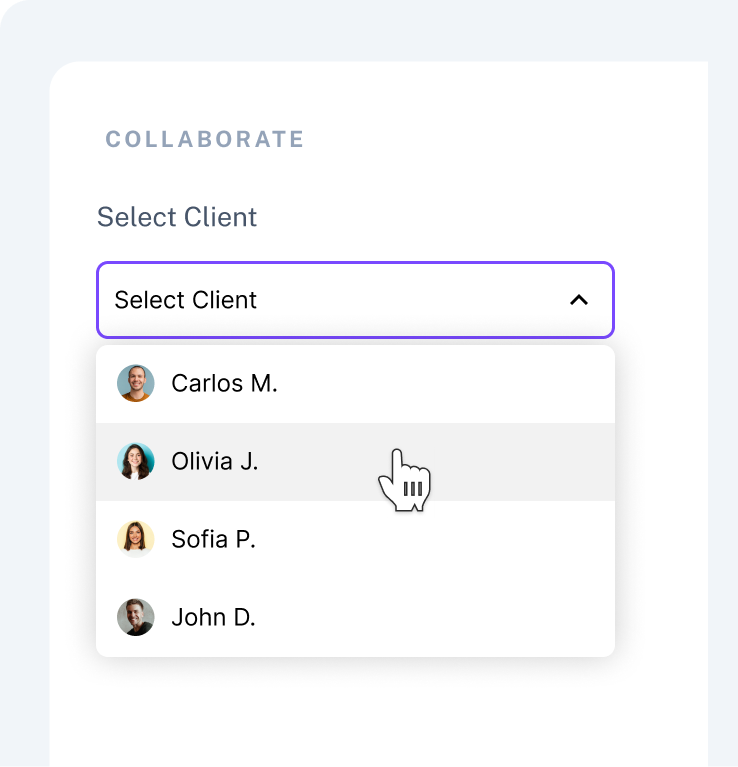
Client status portal

Client status portals

Keep clients oriented with next steps, required actions, uploaded files, and firm updates instead of scattered email threads.

  • Role-based client and staff views
  • Branded notifications and status pages
Review dashboard

Audit and review dashboards

Surface incomplete fields, missing documents, conflicting answers, and staff review actions before a packet reaches final preparation.

  • Review queues and exception tracking
  • Exportable records for internal quality checks
Form generation workflow

Form generation engines

Map one clean intake source into USCIS PDFs, IMM forms, DS-160 prep packets, internal templates, and client-ready summaries.

  • Repeated fields mapped once across packets
  • Human review before download or submission prep
Case studies

Focused builds that remove repeated legal operations work.

Discuss your case
DS-160 automation dashboard

DS-160 workflow for visa agencies

A branded client intake and staff review path that prepares repeated DS-160 data before portal work begins.

Web form Browser prep Review

USCIS document workflow

USCIS packet automation

A structured intake system that maps repeated applicant, family, employer, and preparer data into review-ready PDF packets.

PDF mapping Packet build Staff QA
IMM consultant portal

IMM consultant portal

A Canadian immigration workflow that organizes client intake, document status, consultant review, and final form preparation.

IMM forms Documents Custom domain
What our clients say

The same pains show up across immigration and legal teams.

These are the workflow problems we hear most often before a Fillvisa build begins.

FV
Built for review-heavy work
Intake, documents, PDFs, portals, and staff QA

"We spend too much time chasing missing fields and documents before a case is ready for review."

Immigration firm operations lead

Client intake and evidence collection

"Our clients should feel like they are using our firm, not being handed off to generic software."

Visa agency owner

White-label portal and custom domain

"The same information gets copied into spreadsheets, PDFs, emails, and web portals over and over."

Legal operations manager

Form automation and staff dashboards

Testimonials

Are you ready to elevate your legal practice with a tailored software solution?

Show us one workflow that is costing your team time. We will map the intake, document, review, and automation opportunities before recommending a practical build.

Talk to our workflow expert
Junaid from Fillvisa

Junaid

Fillvisa workflow and automation lead

Logos

Tech and workflow building blocks we connect around.

Fillvisa projects are usually less about a single tool and more about tying the right intake, document, storage, dashboard, and automation pieces together.

PDF packets
Browser portals
Cloud hosting
Custom domains
Structured data
Access controls
Email reminders
Staff dashboards
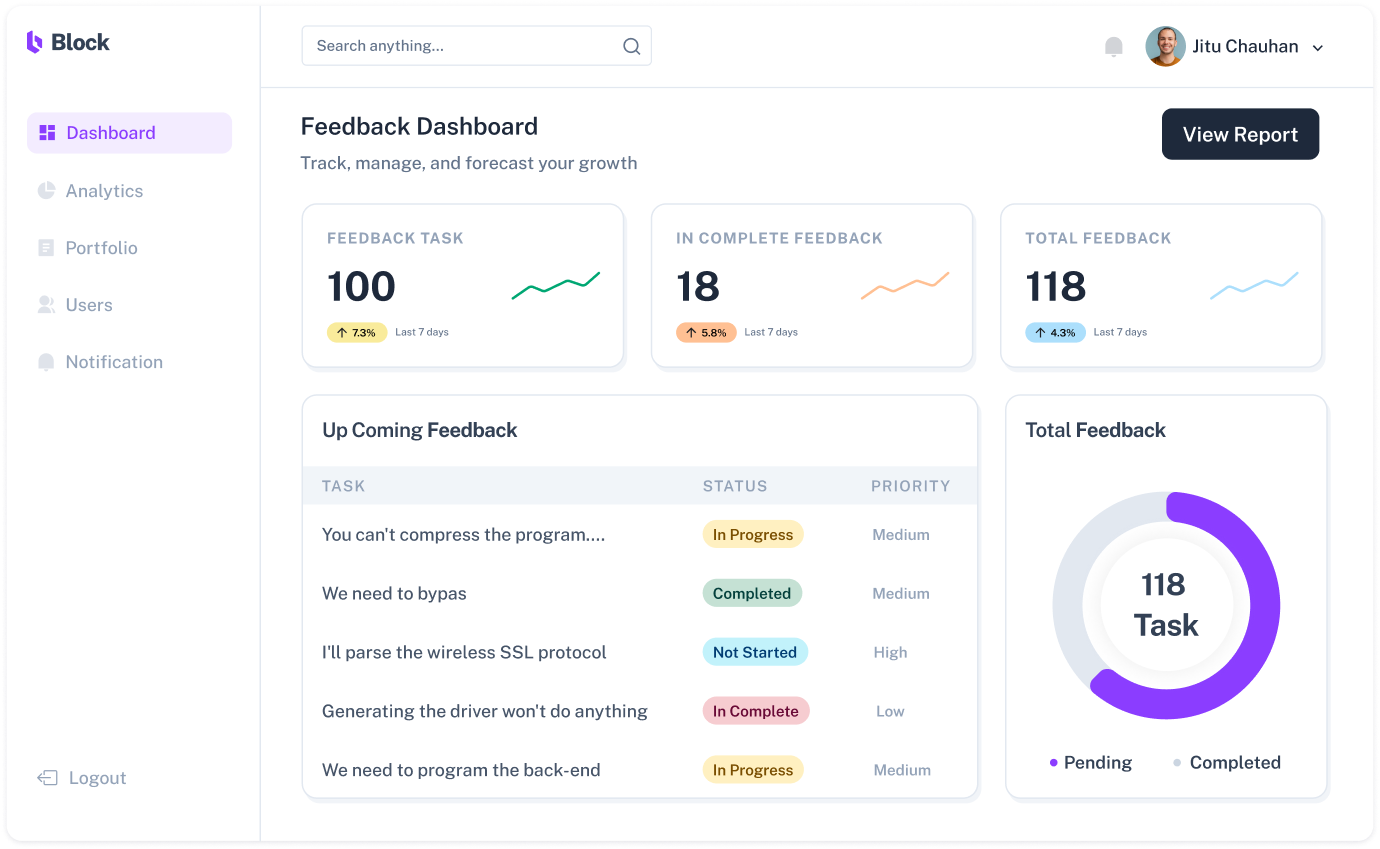
Fillvisa software dashboard
About your agency

Fillvisa is a product-minded automation studio for legal workflows.

We maintain Fillvisa Free for people completing immigration forms in the browser, and we use that same product experience to build private, white-label systems for firms that need more control, review, branding, and operational visibility.

Forms first

We understand long, conditional, stressful form flows.

Operator friendly

We design for staff review, exceptions, and repeated cases.

Learn about Fillvisa
Why Fillvisa

Why Choose Fillvisa for Legal Software Development Services?

Immigration workflow experience

We build around real form packets, document checklists, repeat data, portal prep, and compliance-sensitive review steps.

White-label delivery

Your clients see your logo, domain, intake language, and status experience while Fillvisa powers the workflow behind the scenes.

Security-aware implementation

We plan access controls, staff-only review areas, data minimization, and careful handoffs for sensitive personal information.

Practical phased builds

We start with the highest-friction workflow, ship something useful, and expand only after the team has real cases running through it.

Workflow

Our Legal Software Development Workflow

Every engagement starts with the operational reality: the forms, documents, clients, staff roles, review points, portals, and edge cases your team deals with every day.

1

Discover

Map the current intake, document, form, and portal process.

2

Design

Define the client experience, staff review controls, and data model.

3

Build

Create the focused portal, dashboard, form engine, or automation path.

4

Test

Run sample cases through validations, exports, permissions, and edge cases.

5

Launch

Set up the custom domain, branding, team access, and first live workflow.

6

Improve

Tune fields, reminders, dashboards, and automations from real staff usage.

FAQ

Frequently asked questions.

It is software built around your firm's actual workflow: intake, evidence collection, staff review, form generation, client status, dashboards, and portal automation instead of forcing your team into a generic tool.

It can reduce repeated data entry, keep clients inside a branded portal, make missing information easier to spot, create cleaner review queues, and help staff prepare packets with fewer manual handoffs.

Small productized workflows can start around the ranges listed on our DS-160, USCIS, and IMM service pages. Larger white-label portals depend on scope, integrations, data complexity, and the number of review roles involved.

Focused automation builds can often begin in a two-to-four week window. Larger client portals usually ship in phases so your team can start with the highest-friction workflow first.

Yes, when the tools support it. We can design exports, imports, document handoffs, custom-domain portals, and browser automation for legacy workflows where a direct API is not available.

We build with sensitive personal data in mind: role-based access, staff-only review areas, careful data collection, and clear handoffs. Specific compliance requirements are defined during discovery.

Yes. After launch, we can help with workflow improvements, bug fixes, form changes, hosting updates, additional automations, and new case-type expansions.
White-label workflow review

Bring one messy workflow. Leave with a practical automation plan.

We will look at the forms, documents, portals, handoffs, and review steps that slow your team down, then identify the smallest useful white-label system worth building first.

Tell Us About Your Workflow